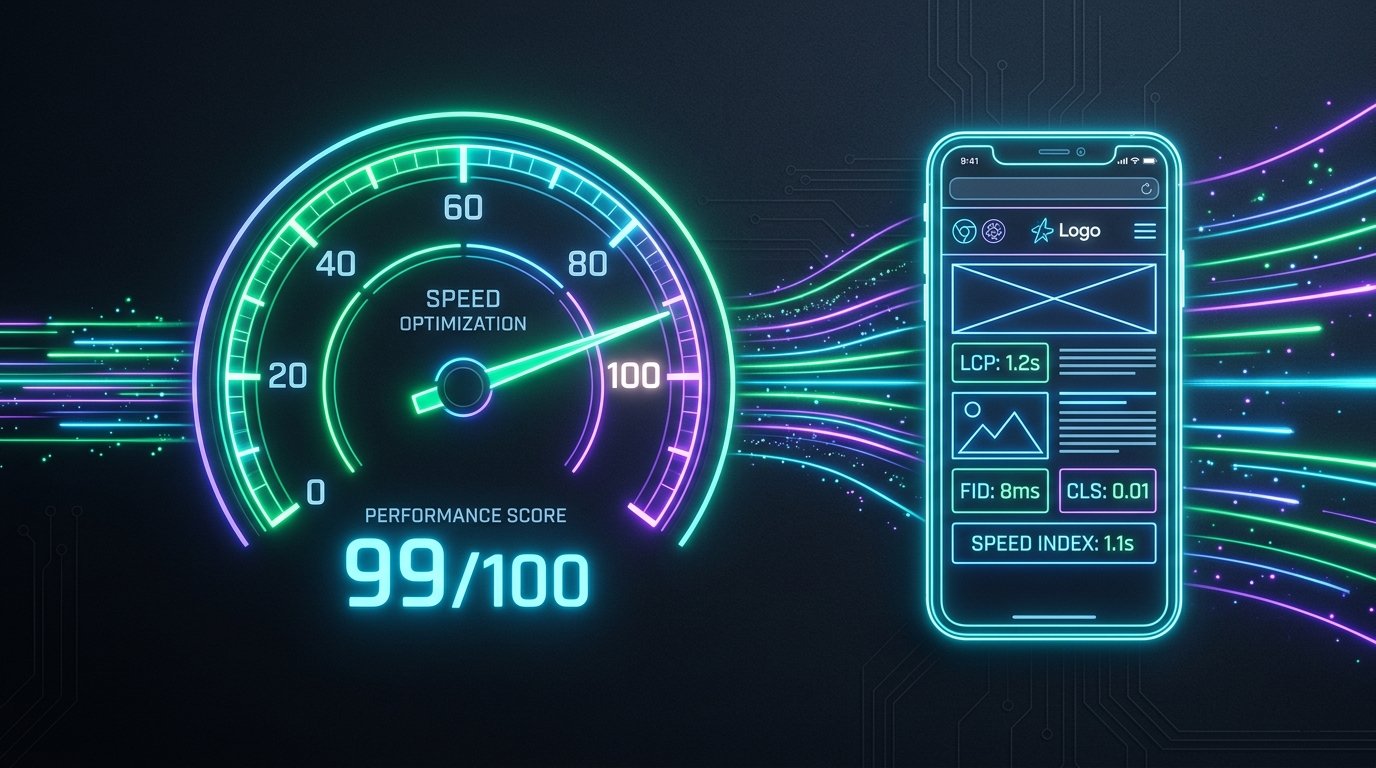
For years, website performance was treated by many digital agencies as a secondary cosmetic consideration—subordinated to flashy visual animations, heavy hero carousels, and dozens of tracking scripts. However, Google’s Page Experience algorithm update fundamentally rewrote the rules of the web. Today, technical performance metrics known as Core Web Vitals (CWV) are confirmed, algorithmic ranking signals. A slow, janky, or visually unstable website does not merely frustrate users; it is systematically demoted by search engines in favor of lightweight, responsive alternatives.
The Evolution of Google Page Experience#
From Subjective Speed to Rigorous User-Centric Metrics
Historically, search engines measured website speed using rudimentary metrics such as total page load time or time-to-first-byte (TTFB). While useful, these figures failed to measure what real human beings experienced while browsing on actual mobile hardware.
Google developed the Core Web Vitals initiative to bridge this gap. Rather than measuring when the final server packet arrives, Core Web Vitals quantify real-world usability: How quickly does meaningful content appear on screen? How rapidly does the interface respond when tapped? Does the layout jump around unpredictably while loading, causing mis-clicks? For modern business websites, excelling at these metrics is mandatory for commercial survival.
Furthermore, Google measures these scores not just in synthetic test labs, but across millions of real Chrome browser user sessions worldwide through the Chrome User Experience Report (CrUX). If real users on everyday connections experience lag, your organic rankings suffer.
- Core Web Vitals are evaluated using field data gathered from actual Chrome browser users (CrUX).
- Passing all three metrics provides an algorithmic ranking boost in mobile and desktop search results.
- Sites in the "Good" threshold experience up to 24% lower bounce rates compared to lagging competitors.
The Three Core Pillars: LCP, INP, and CLS#
Demystifying the Technical Architecture of Each Metric
1. Largest Contentful Paint (LCP) - Perceived Loading Speed: LCP measures the time required for the largest visual element above the fold (typically a hero banner image, headline text block, or video poster) to render completely. To achieve a "Good" rating, your LCP must clock in under 2.5 seconds. Slow server response times, render-blocking stylesheets, and unoptimized multi-megabyte hero graphics are the primary culprits behind degraded LCP scores.
2. Interaction to Next Paint (INP) - Interface Responsiveness: Officially replacing First Input Delay (FID) in March 2024, INP evaluates overall page responsiveness throughout a user’s entire session. It measures the latency between a user clicking a navigation link, tapping an accordion, or submitting a form, and the browser painting the resulting visual update. An INP below 200 milliseconds is considered "Good". Bloated third-party JavaScript libraries and excessive main-thread execution time are the chief drivers of poor INP.
3. Cumulative Layout Shift (CLS) - Visual Stability: CLS measures the total score of all unexpected layout shifts occurring during the page lifecycle. If a reader is attempting to tap an article link and an unsized banner suddenly loads above it—forcing the text down and causing them to tap an unwanted ad—that constitutes a layout shift. To pass Google standards, your site must maintain a CLS score below 0.1.
Always specify explicit width and height HTML attributes on all image and video tags (`<img width="800" height="450" ... />`) so the browser reserves exact layout space before assets finish downloading, eliminating CLS.
The Indian Mobile Reality: 4G Latency & Budget Hardware#
Why Desktop Benchmarks Deceive Western-Trained Developers
A critical error made by inexperienced web agencies is evaluating performance exclusively on high-end M-series MacBooks connected to gigabit fiber broadband. In India—and particularly across regional centers in Bihar, Uttar Pradesh, and West Bengal—over 88% of organic web browsing occurs on budget Android smartphones operating on congested 4G cellular networks.
Budget mobile processors have constrained CPU cores that throttle when processing megabytes of unminified JavaScript. On a low-end device, a script that executes in 80 milliseconds on an office computer can freeze the browser main thread for 1.8 seconds. If your business website is heavy, regional customers will encounter frozen buttons and unresponsive screens, prompting them to immediately bounce back to Google results.
Optimizing for Indian audiences requires aggressive tree-shaking, strict JavaScript budgets (keeping initial bundles under 150KB compressed), and prioritizing server-side or static asset generation.
Regional Manufacturing & B2B Portal
A regional manufacturer had a WordPress site loaded with 34 active plugins and an uncompressed 4.2MB homepage. Mobile bounce rate exceeded 64%. VYDexa re-engineered the platform with a lightweight React/Vite architecture, reducing page weight to 280KB.
Why Bloated Templates and Builders Fail CWV#
The Hidden Architectural Cost of Cookie-Cutter Themes
Off-the-shelf themes and drag-and-drop page builders promise convenience, but they achieve flexibility by bundling enormous universal stylesheets, multiple slider libraries, redundant icon fonts, and unoptimized polyfills. A simple 5-page template often forces mobile visitors to download 15 separate CSS files and 25 JavaScript scripts before displaying a single sentence of text.
Furthermore, generic plugins frequently inject render-blocking stylesheets into the HTML document head, paralyzing the browser parser. Modern web standards require bespoke, lightweight engineering: using modern CSS utilities, tree-shaken JavaScript modules, server-side caching, and modern image compression (WebP and AVIF).
Architectural Blueprint for Sub-Second Performance#
Core Engineering Techniques Employed by High-Performance Teams
To consistently achieve 95+ Google PageSpeed scores, software engineering teams must apply systematic architecture patterns:
1. Asset Preloading for Critical Elements: Use `<link rel="preload" as="image" href="..." fetchpriority="high">` on your primary LCP hero image so the browser initiates image download immediately during initial HTML discovery.
2. Modern Image Encodings: Convert PNG and JPG imagery to WebP or AVIF formats, which compress files by up to 70% without perceptible loss of sharpness. Pair this with `srcset` attributes to deliver smaller dimensions to mobile viewports.
3. Font Loading Optimization: Self-host brand fonts or use Google Fonts with `font-display: swap;` paired with fallback size adjustments (`size-adjust`) to prevent layout shifts when custom fonts finish rendering.
4. Breaking Up Long JavaScript Tasks: Defer non-critical third-party analytics until after initial user interaction, and break long synchronous computation into microtasks using `requestAnimationFrame` or `scheduler.yield()`.
- Preload hero assets with high fetch priority to shave up to 1.2 seconds off LCP.
- AVIF and WebP encodings drastically reduce mobile data consumption for regional visitors.
- Clean semantic HTML with modern CSS builds faster interfaces than heavy component frameworks.
Core Web Vitals Thresholds & Remediation Matrix#
Engineering Standards for Modern Commercial Websites
The following matrix outlines Google’s official evaluation criteria for Core Web Vitals alongside direct engineering remediation strategies for production environments:
| Core Metric | Good Threshold | Needs Improvement | Poor Threshold | Primary Engineering Solution |
|---|---|---|---|---|
| Largest Contentful Paint (LCP) | ≤ 2.5 seconds | 2.5s - 4.0s | > 4.0s | Preload hero image, WebP compression, CDN edge caching, TTFB < 600ms |
| Interaction to Next Paint (INP) | ≤ 200 ms | 200ms - 500ms | > 500 ms | Code-splitting, Web Workers for heavy tasks, minimizing third-party tracking scripts |
| Cumulative Layout Shift (CLS) | ≤ 0.1 | 0.1 - 0.25 | > 0.25 | Explicit image dimensions, CSS aspect-ratio, font-display: swap with fallback matching |
| Time to First Byte (TTFB) | ≤ 800 ms | 800ms - 1800ms | > 1800 ms | SSD cloud hosting, HTTP/2 or HTTP/3 protocols, optimized server-side query caching |
The Direct ROI: Conversion Rate Impact#
How Milliseconds Translate Directly into Business Revenue
Optimizing Core Web Vitals is not merely an esoteric technical exercise for developers; it is one of the highest-leverage revenue drivers available to modern business leadership.
Extensive empirical research conducted by Google, Deloitte, and Cloudflare demonstrates that every 100-millisecond improvement in mobile website loading speed yields an average 8.4% increase in conversions for retail platforms and an 8.6% increase in booked inquiries for B2B service providers. Conversely, pages taking longer than 3 seconds to load lose over 53% of mobile visits before the user ever sees a product or phone number.
When your website delivers instant feedback and silky-smooth navigation, prospective clients perceive your enterprise as modern, trustworthy, and competent. Technical speed directly establishes commercial credibility.
Conclusion & Strategic Next Steps
In the modern digital economy, website performance and search visibility are inextricably linked. By abandoning bloated legacy builders in favor of custom, modern frontend engineering, businesses can consistently attain 95+ Google PageSpeed scores, outperform competitors on mobile search, and turn traffic into paying clients. VYDexa Technologies builds high-performance digital platforms engineered from the ground up to excel at Core Web Vitals.
Frequently Asked Questions
Direct answers to common commercial, engineering, and SEO queries on this topic.
Lab data is collected in a controlled synthetic environment (such as running Lighthouse on your computer). Field data is collected from actual Chrome browser users navigating your website across diverse mobile devices, networks, and battery states over a rolling 28-day period. Google uses field data for ranking decisions.
VYDexa Core Practice Capabilities
Clean-code, high-performance web platforms engineered to achieve 95+ PageSpeed scores on mobile.
Core Web Vitals auditing, script optimization, asset minification, and continuous server monitoring.
Comprehensive crawl architecture, schema markup, and search engine indexation optimization.

